
Buffering on the stick
- Use the HDMI extender.
- Switch to 5 GHz Wi-Fi.
- Settings → Applications → Manage installed applications → clear the player’s cache.
Fire TV Stick
The Fire TV Stick is the most popular way our customers watch Sonix. It is inexpensive, plugs into any TV with HDMI and runs the player apps we recommend smoothly. Here is how to set it up properly the first time.
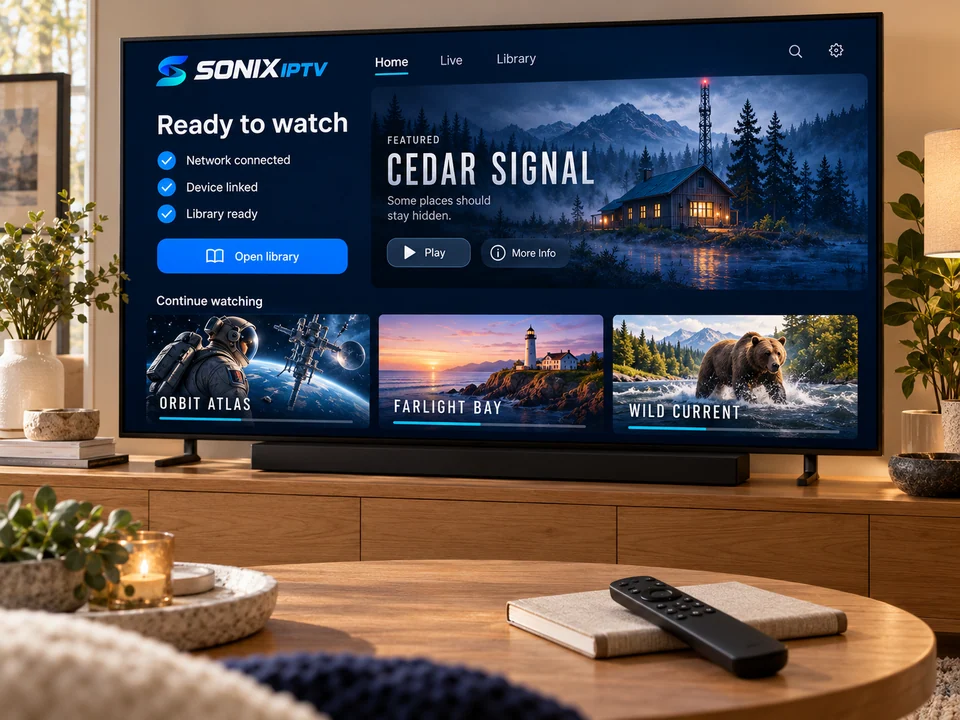
Which one do you have?
| Model | How it handles Sonix | Our tip |
|---|---|---|
| Fire TV Stick 4K Max | Fastest stick; quick channel changes and a smooth guide. | Best choice if you are buying new. |
| Fire TV Stick 4K | Very good for live TV and on-demand. | Use the 5 GHz Wi-Fi network. |
| Fire TV Stick (HD) and Lite | Works well for HD channels; menus can feel slower. | Close other apps before watching sport. |
| Fire TV Cube | Excellent, and has an Ethernet port. | Use the cable for live games. |
| TVs with Fire TV built in | Works like a stick; speed depends on the TV model. | Send us the TV model if menus are slow. |
Setup
Settings → My Fire TV → About → Check for updates. A current system avoids most app problems.
Search for the app we recommended. If it is in the Amazon Appstore, install it there and skip to step 5.
Settings → My Fire TV → About: select the device name several times to enable developer options. Then allow “Install unknown apps” for the installer app only.
Use only the link we send you on WhatsApp, then switch the permission off again.
Open the player → add user or playlist → enter the details exactly as sent.
Unplug the stick for ten seconds. The guide loads cleanly after a restart.
Before you start
Plug the stick into the HDMI extender that came in the box. It moves the stick away from the TV’s metal panel and can noticeably improve Wi-Fi.
Stay safe
Never install apps from links posted in forums or sent by strangers. We only send links to the player app we recommend for your device.
Fire TV fixes
Fire TV questions
It is safe when you install a known app from a trusted link and switch the permission off afterwards. The risk comes from installing random apps from unknown sources. If the player is in the Amazon Appstore, you do not need this setting at all.
Ask us about watching on more than one screen at once. You can install the player on both and enter the same details.
If you are buying new, a Fire TV Stick 4K or 4K Max gives the smoothest experience. Older models still work, just with slower menus.
No. Sonix works without one. If you already run a VPN and see buffering, try switching it off.
No question matches that yet. Ask us on WhatsApp instead
Tell us your Fire TV model. We send the right app and stay with you until the first channel plays.