
Phones
Ideal for catching a game away from the TV. Turn the phone sideways for full screen. Watch your mobile data (see below).
Android
Android gives you the widest choice of player apps, all from Google Play. Watch the game on your phone, the series on a tablet in bed, and the news on an Android TV box in the living room, all with one Sonix plan.
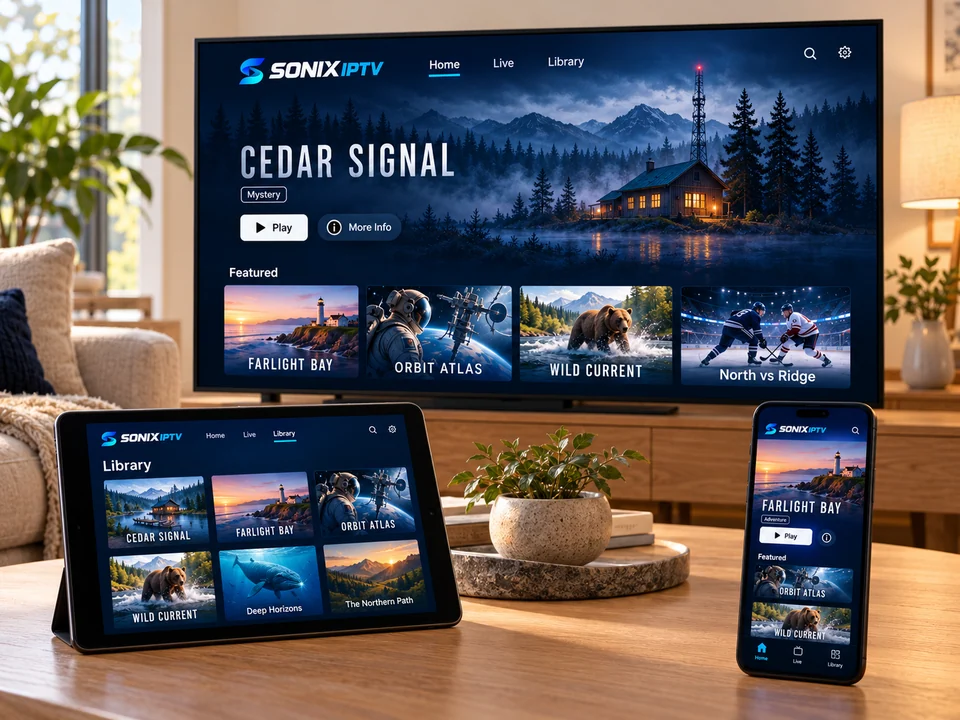
Your Android device
Ideal for catching a game away from the TV. Turn the phone sideways for full screen. Watch your mobile data (see below).
A bigger screen for on-demand movies and series. Download nothing: everything streams over Wi-Fi.
Turns any TV into a smart TV. Choose a certified Android TV or Google TV box with access to Google Play.
Setup
Search for the player app we recommended and tap Install.
Long-press the WhatsApp message with your login and copy it.
Open the player, choose the login type we sent and paste the details.
The channel list and guide take a minute the first time.
Mobile data
| Quality | Per hour (approx.) | 1 hour a day for 30 days |
|---|---|---|
| Standard definition | about 1 GB | about 30 GB |
| HD | about 3 GB | about 90 GB |
Figures are rough guides; actual use depends on the channel and the app. Use Wi-Fi at home whenever you can.
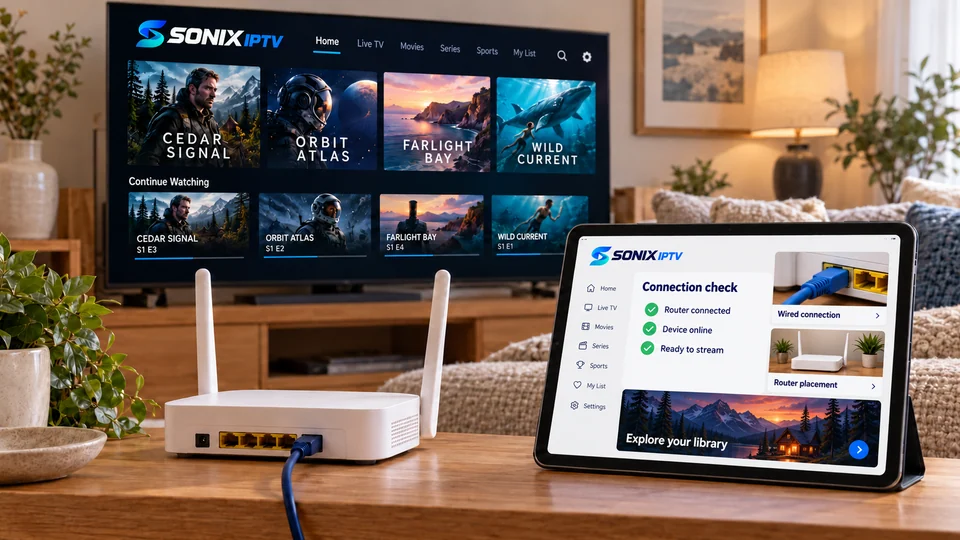
Phone to TV
Many players can cast to a Chromecast or Google TV. It works, but your phone has to stay connected and the picture depends on two Wi-Fi links instead of one. For regular viewing, install the player on the TV device itself.
Android questions
No. On Android phones, tablets and certified TV boxes, we recommend a player that is available in Google Play.
Choose a Google-certified Android TV or Google TV device with Google Play and 5 GHz Wi-Fi. Avoid unbranded boxes sold with apps already installed.
Streaming over the internet usually works while traveling, but quality depends on the local connection, and content availability can vary. Ask us before a long trip.
Video streaming uses battery like any video app. Lower the screen brightness and plug in for long sessions.
No question matches that yet. Ask us on WhatsApp instead
Tell us whether it is a phone, tablet or TV box and we will send the right app and steps.