A space at the end
Invisible on a TV keyboard, fatal for a login. Retype the last character.
Installation guide
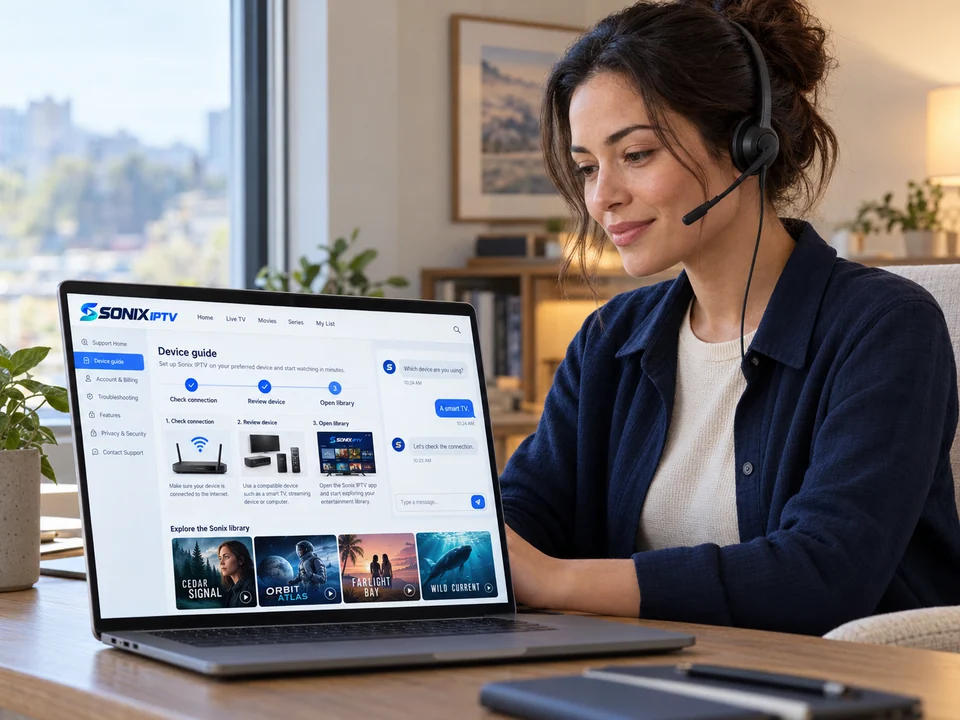
Choose your device and follow the steps in order. Each guide takes one sitting. You need your Sonix login details (or a test line) and the name of the player app we recommended for you.
Before you start
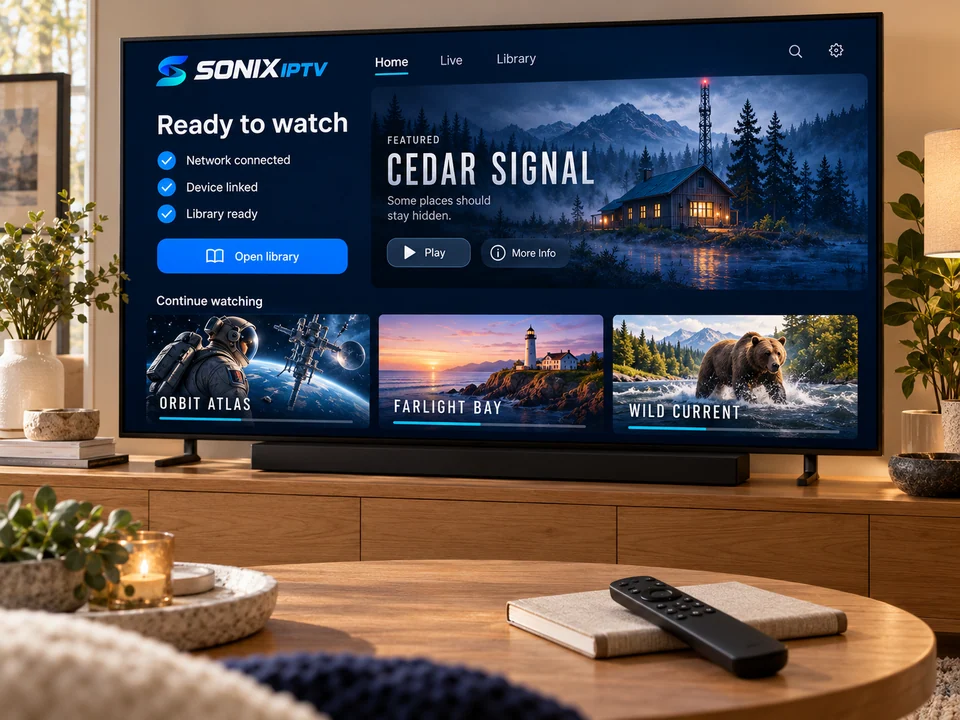
Step by step
Tip
Use the Fire TV app on your phone as a keyboard. It makes typing long details much easier.
Tip
If the TV has an Ethernet port, use it for live sport.
Tip
Some TV player apps charge their own small activation fee after a free period. We tell you up front if the app we recommend does.
Tip
On iPhone, you can AirPlay to an Apple TV, but a player installed on the Apple TV itself is steadier.
Tip
Use Wi-Fi at home; an hour of HD can use around 3 GB of mobile data.
Tip
Connect the computer to the TV with HDMI to watch on the big screen.
Avoid these
Invisible on a TV keyboard, fatal for a login. Retype the last character.
A playlist link entered in the account fields, or the reverse. Match the type we sent.
The first load takes a minute or two while channels and the guide download.
One restart after the first login clears memory and fixes most empty guides.
Send us a photo of the screen and the step number. We will tell you exactly what to press next.